
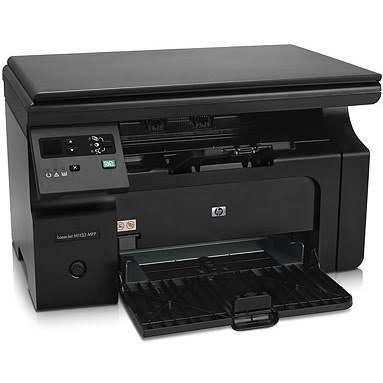
HP LaserJet Pro M1132 MFP Monochrome Laser Printer
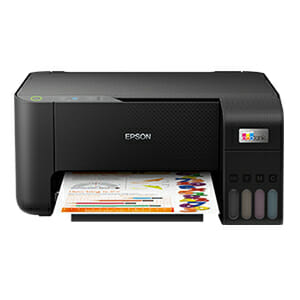
Epson EcoTank L3210
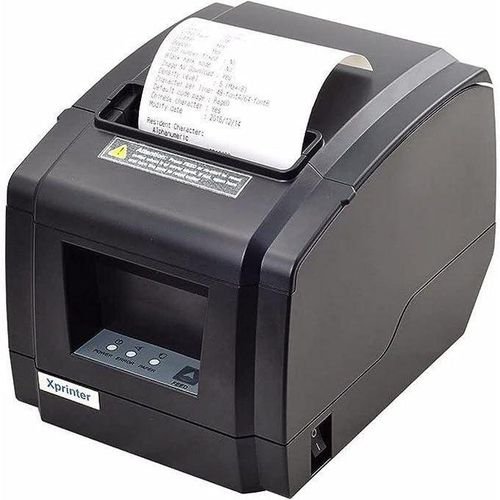
POS THERMAL PRINTER
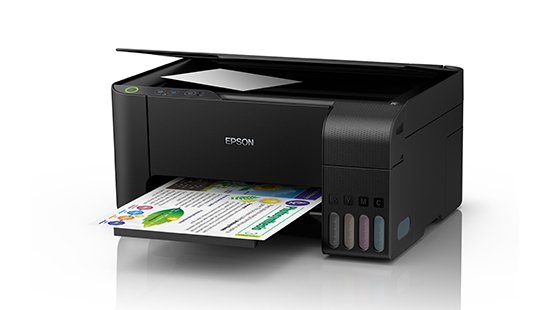
EPSON L3110 Printer- REFURBISHED
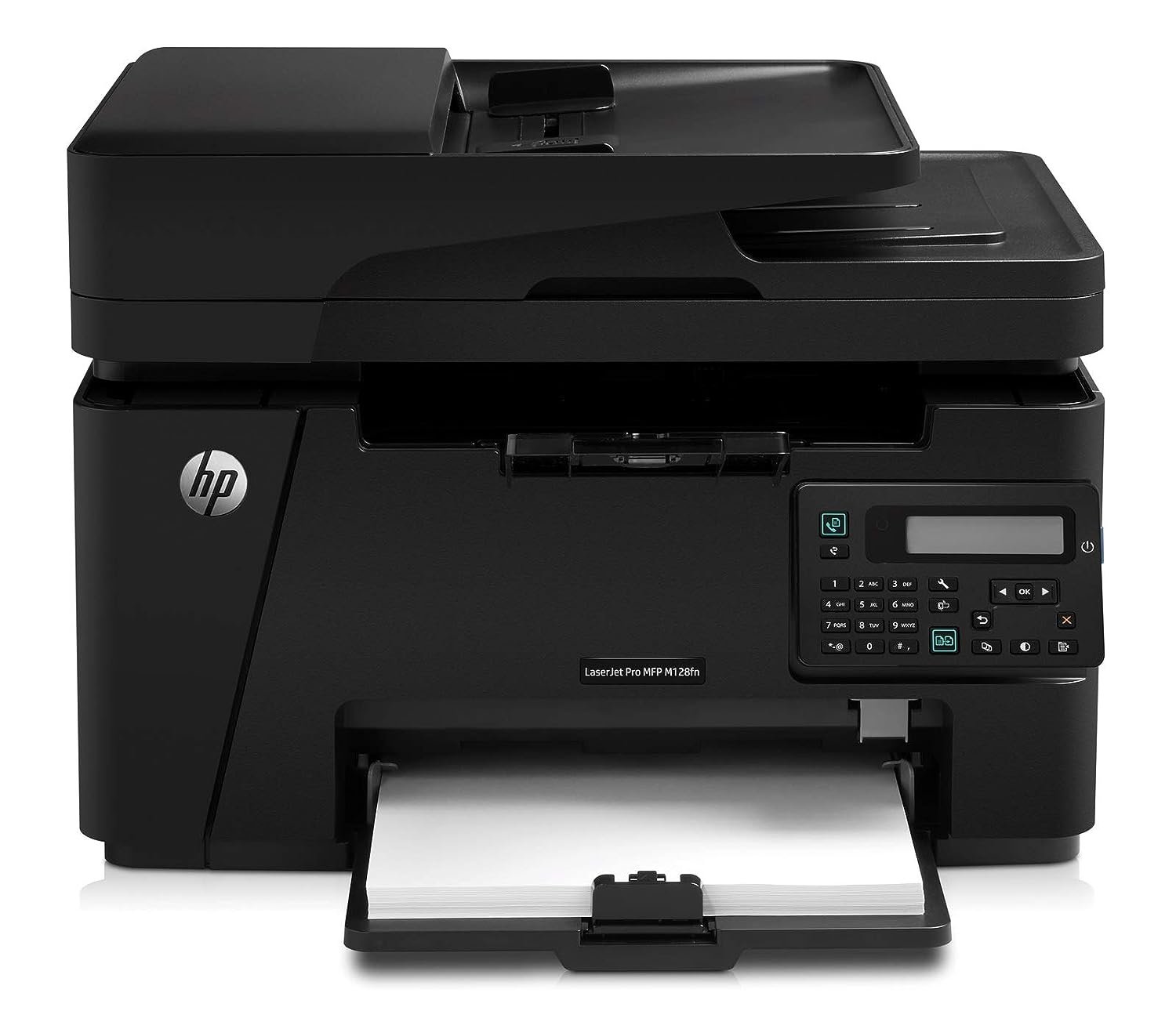
HP LaserJet Pro MFP M128fn
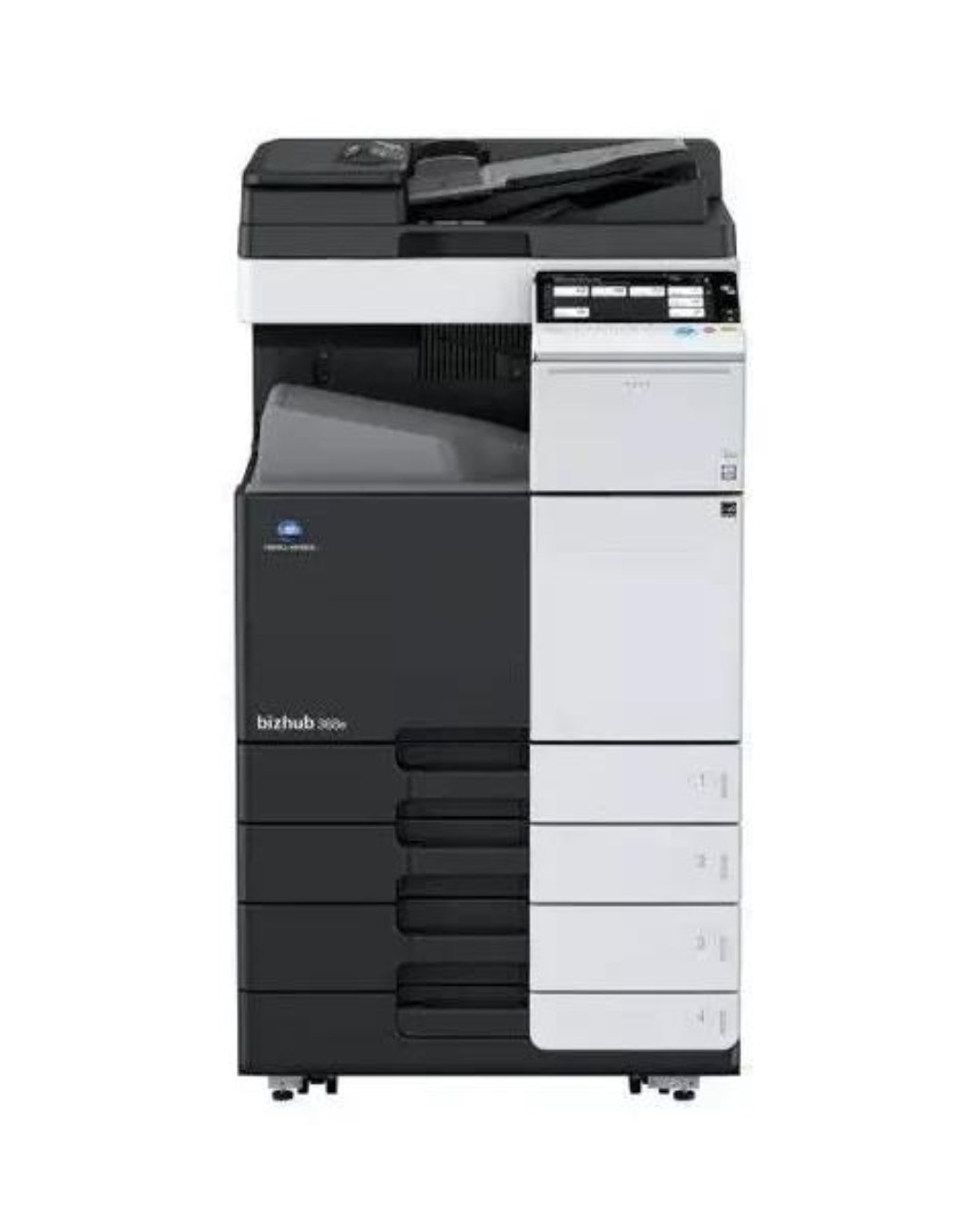
CONICA MINOLTA BIZHUB C454E-Colour Photocopier
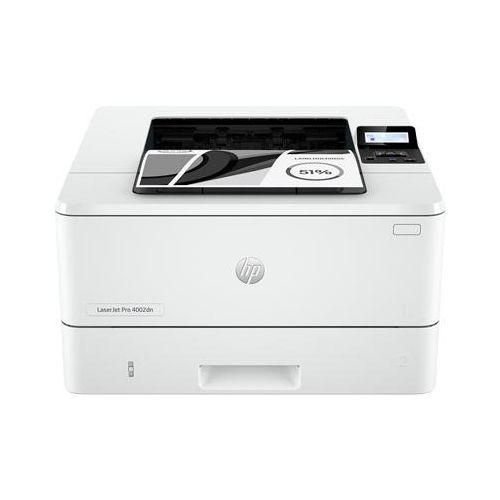
Hp LaserJet Pro 4003dn Printer - White
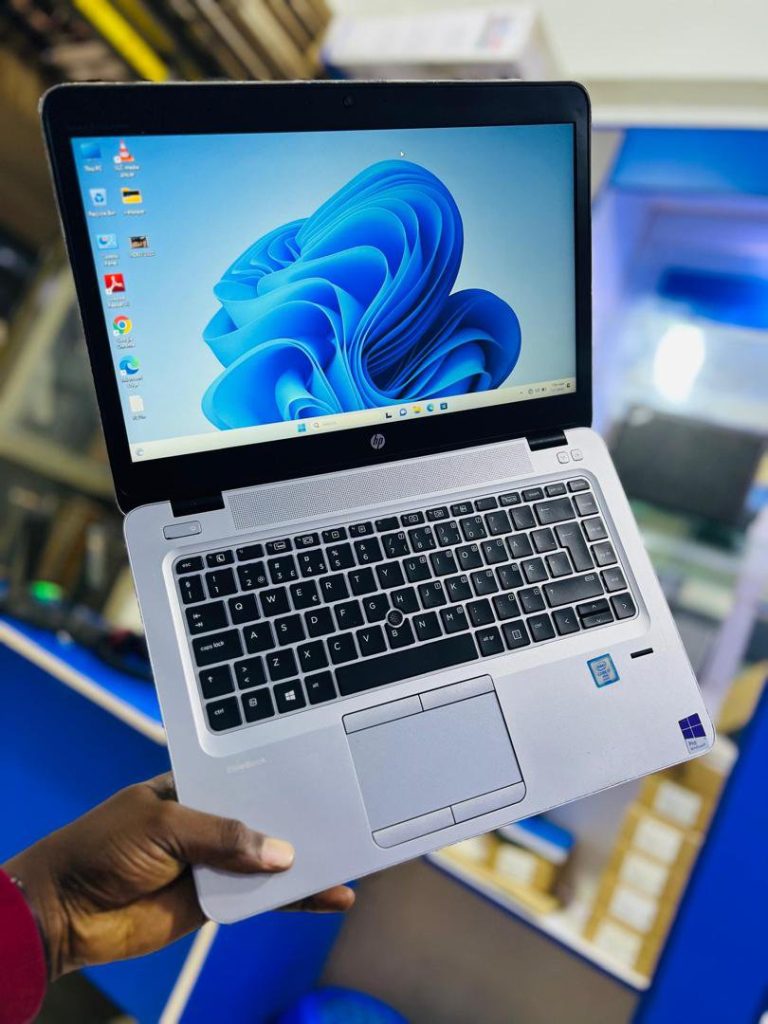
🔋 1. Adjust Power SettingsUse Battery Saver mode (Windows) or Energy Saver mode (macOS).Lower screen brightness and turn off keyboard backlighting when not needed.—
🔋 2. Manage Background AppsClose unused applications and browser tabs.Disable unnecessary startup programs that drain power silently.—
🔋 3. Optimize Charging HabitsAvoid keeping your laptop plugged in 24/7.Keep charge levels between 20% – 80% to reduce battery stress.Use the original charger or a certified replacement.—
🔋 4. Control ConnectivityTurn off Wi-Fi, Bluetooth, and location services when not in use.Disconnect external devices (USB drives, external hard disks) that consume power.—
🔋 5. Keep It CoolOverheating shortens battery life. Use a cooling pad or ensure proper ventilation.Avoid using your laptop on soft surfaces (like beds or couches) that block airflow.
—⚡Pro Tip: Updating your operating system and drivers also helps improve battery efficiency since manufacturers often release power optimization updates.

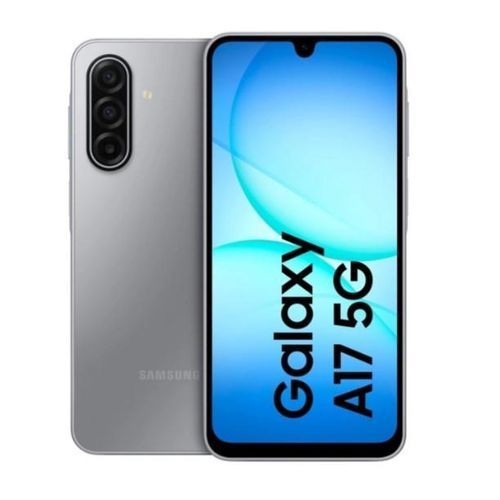
Samsung Galaxy A17

Samsung Galaxy A06 - 6.7
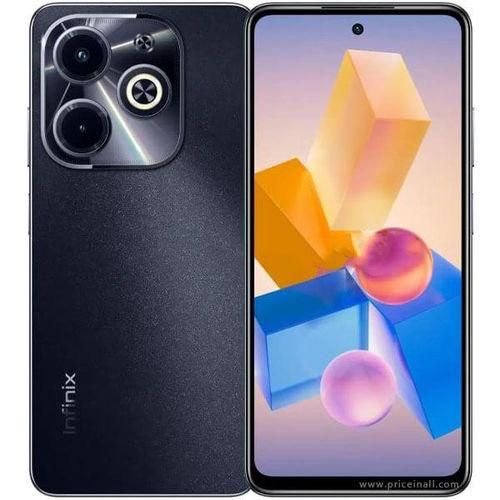

Samsung Galaxy A05s 6.7
Samsung Galaxy A05s 6.7
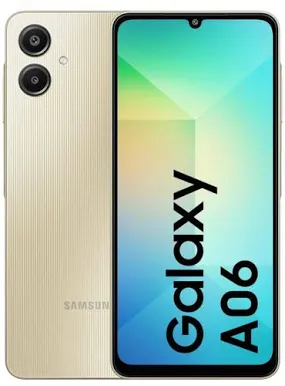
SAMSUNG A06
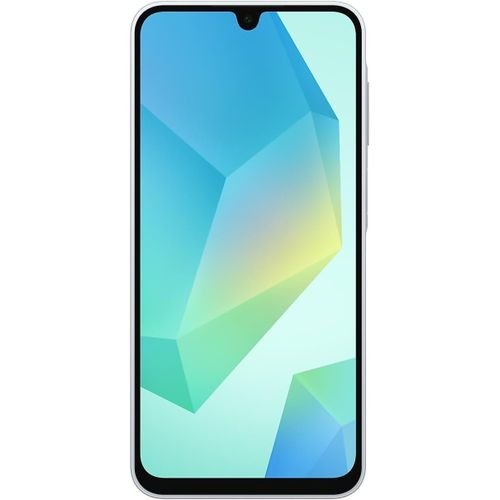
Samsung Galaxy A16 4G

Leave a Reply