

HP LaserJet Pro M1132 MFP Monochrome Laser Printer
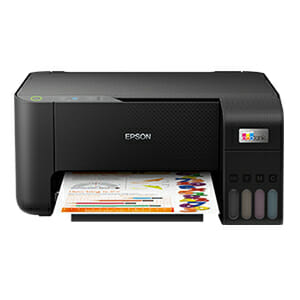
Epson EcoTank L3210
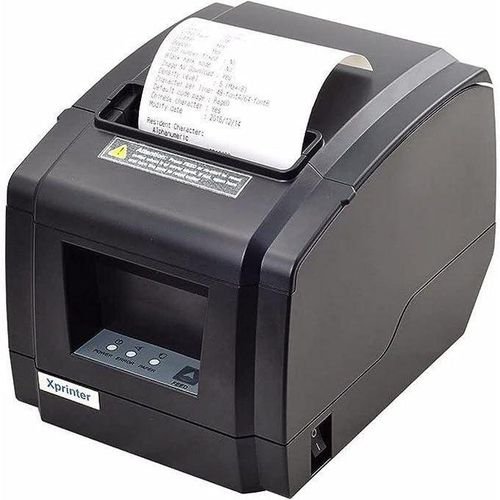
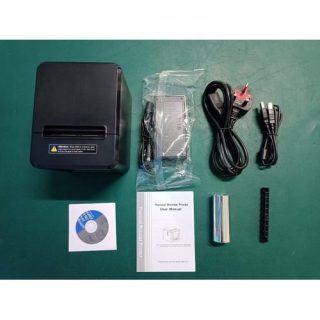
POS THERMAL PRINTER
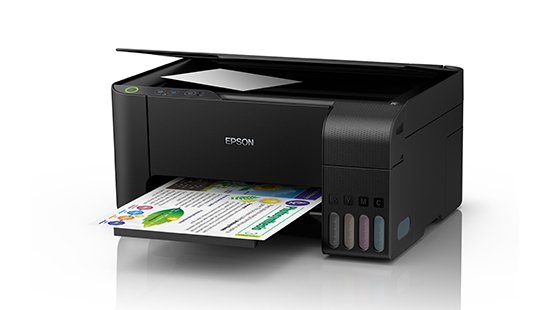
EPSON L3110 Printer- REFURBISHED
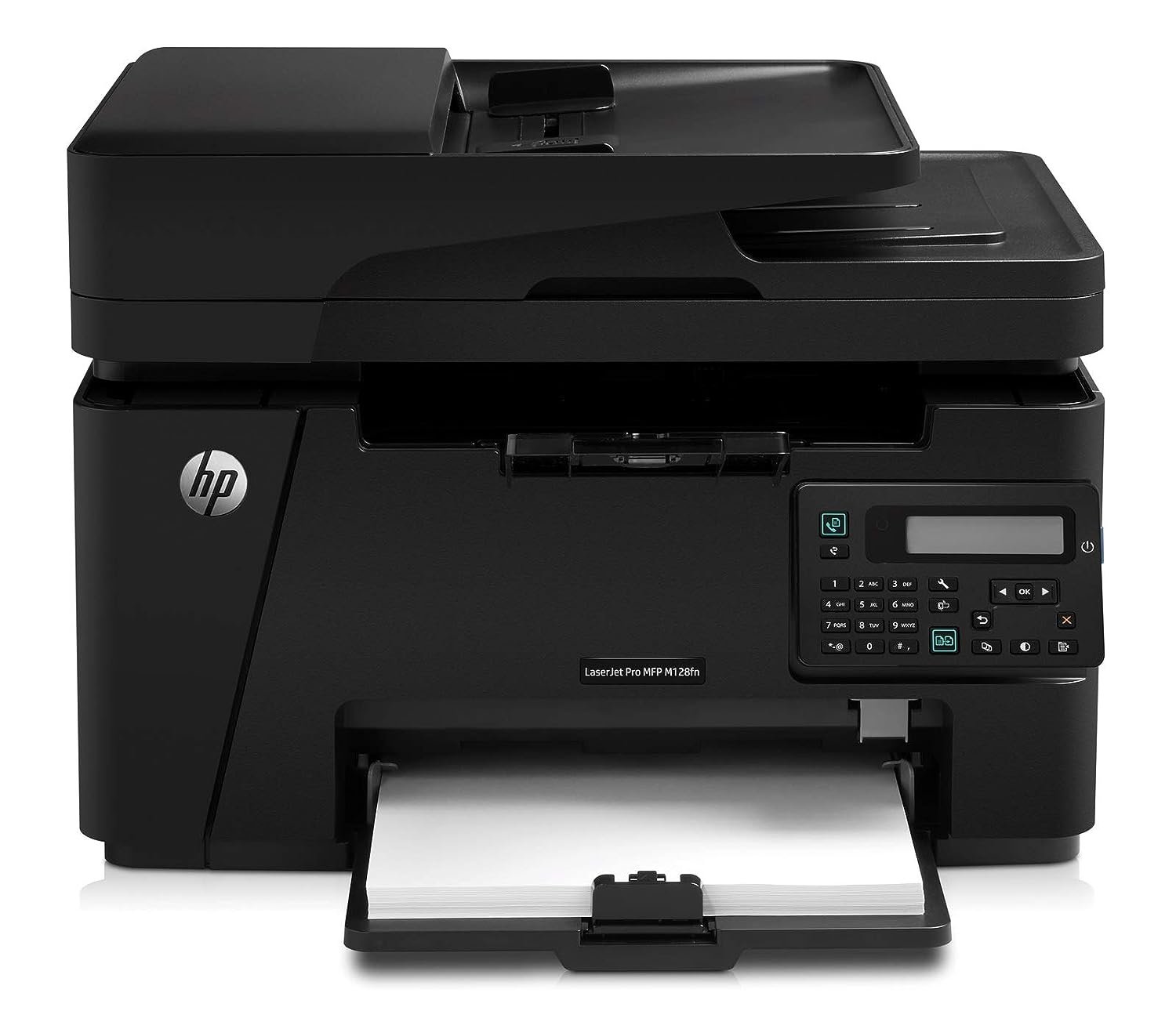
HP LaserJet Pro MFP M128fn
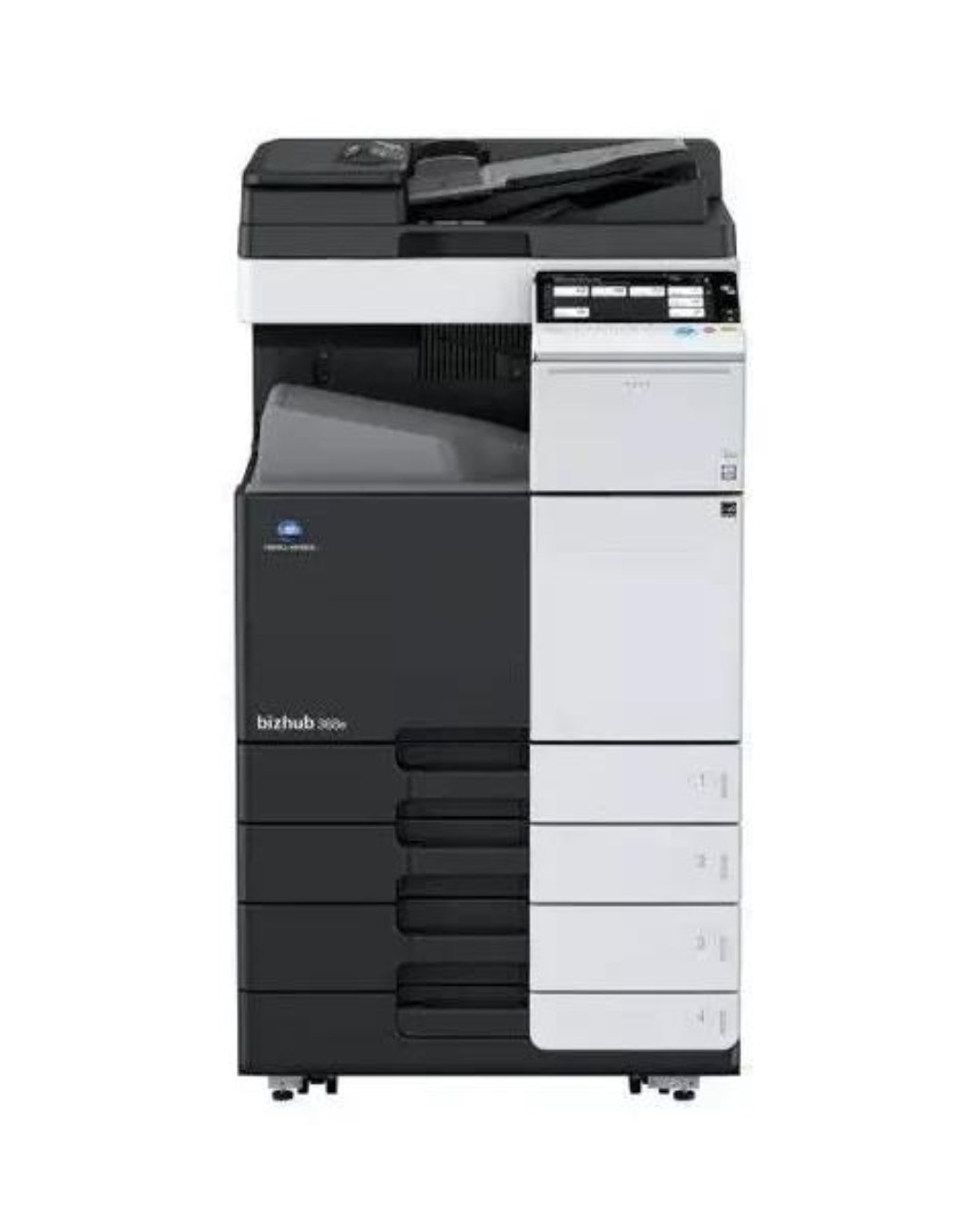
CONICA MINOLTA BIZHUB C454E-Colour Photocopier

Hp LaserJet Pro 4003dn Printer - White
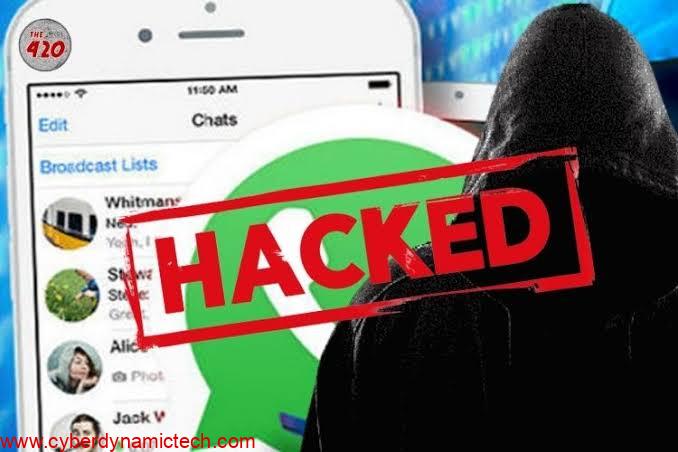
WhatsApp is one of the most popular messaging apps, but its popularity also makes it a target for hackers. A common method hackers use involves tricking users into sharing their verification codes. To safeguard your account, it’s important to understand how these attacks work and take preventive measures. Here’s how you can protect yourself:
- Understand How WhatsApp Verification Works
When you set up WhatsApp on a new device, a six-digit verification code is sent to your registered phone number. This code is used to verify that you are the legitimate owner of the account. Without this code, no one can access your WhatsApp account.
- Never Share Your Verification Code
Hackers often pose as friends, family members, or even WhatsApp support and ask for your verification code. Remember, WhatsApp will never ask for your verification code. If anyone asks for it, they’re likely trying to hack your account.
- Enable Two-Step Verification
Two-step verification adds an extra layer of security to your WhatsApp account. Follow these steps to enable it:
Open WhatsApp and go to Settings.
Select Account > Two-step verification.
Tap Enable and set a six-digit PIN.
Optionally, provide an email address for recovery.
This feature ensures that even if someone gets hold of your verification code, they won’t be able to access your account without your PIN.
- Beware of Phishing Messages
Hackers might send you messages pretending to be from WhatsApp or other trusted sources, asking for your code or PIN. Always verify the authenticity of such messages and avoid clicking on suspicious links.
- Protect Your Phone and SIM Card
Use a strong password or biometric lock for your phone.
Avoid sharing your phone with others.
If your SIM card is lost or stolen, contact your mobile provider immediately to secure your number.
- Regularly Monitor Your Account
WhatsApp notifies you if your account is being accessed on another device. If you receive a notification stating that your account is being used elsewhere and you didn’t authorize it, log out from all devices immediately.
- Educate Others
Share this information with friends and family to prevent them from falling victim to these scams. The more people are aware of the dangers, the safer the WhatsApp community will be.
Conclusion
Your WhatsApp account contains personal messages, contacts, and other sensitive information. By being cautious and proactive, you can effectively prevent hackers from gaining access. Always keep your verification code private, enable two-step verification, and stay alert to suspicious activity.
Your security is in your hands—don’t let hackers take it away!

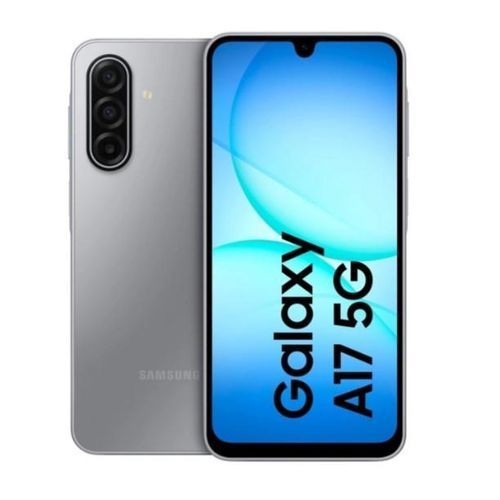
Samsung Galaxy A17

Samsung Galaxy A06 - 6.7


Samsung Galaxy A05s 6.7
Samsung Galaxy A05s 6.7

SAMSUNG A06
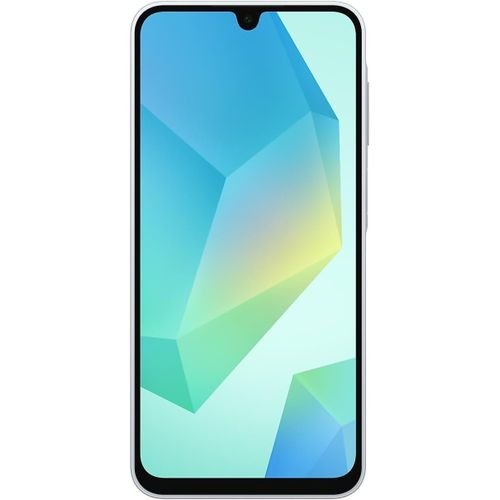
Samsung Galaxy A16 4G


Leave a Reply