
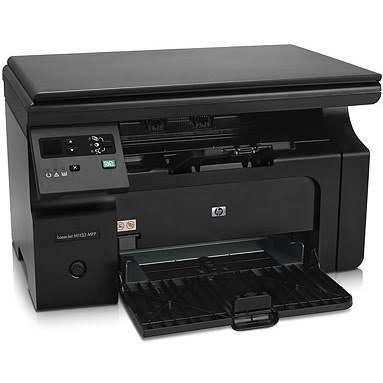
HP LaserJet Pro M1132 MFP Monochrome Laser Printer
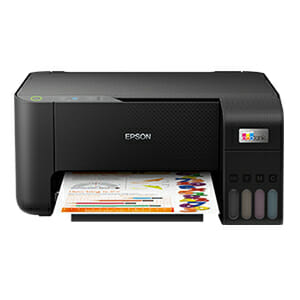
Epson EcoTank L3210

POS THERMAL PRINTER
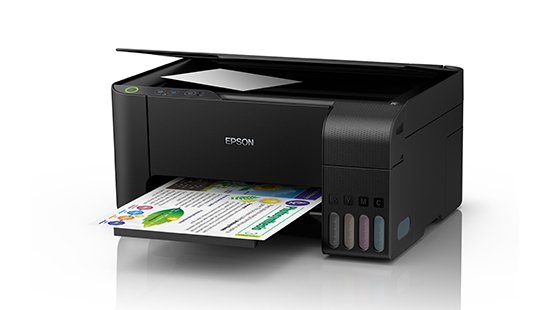
EPSON L3110 Printer- REFURBISHED
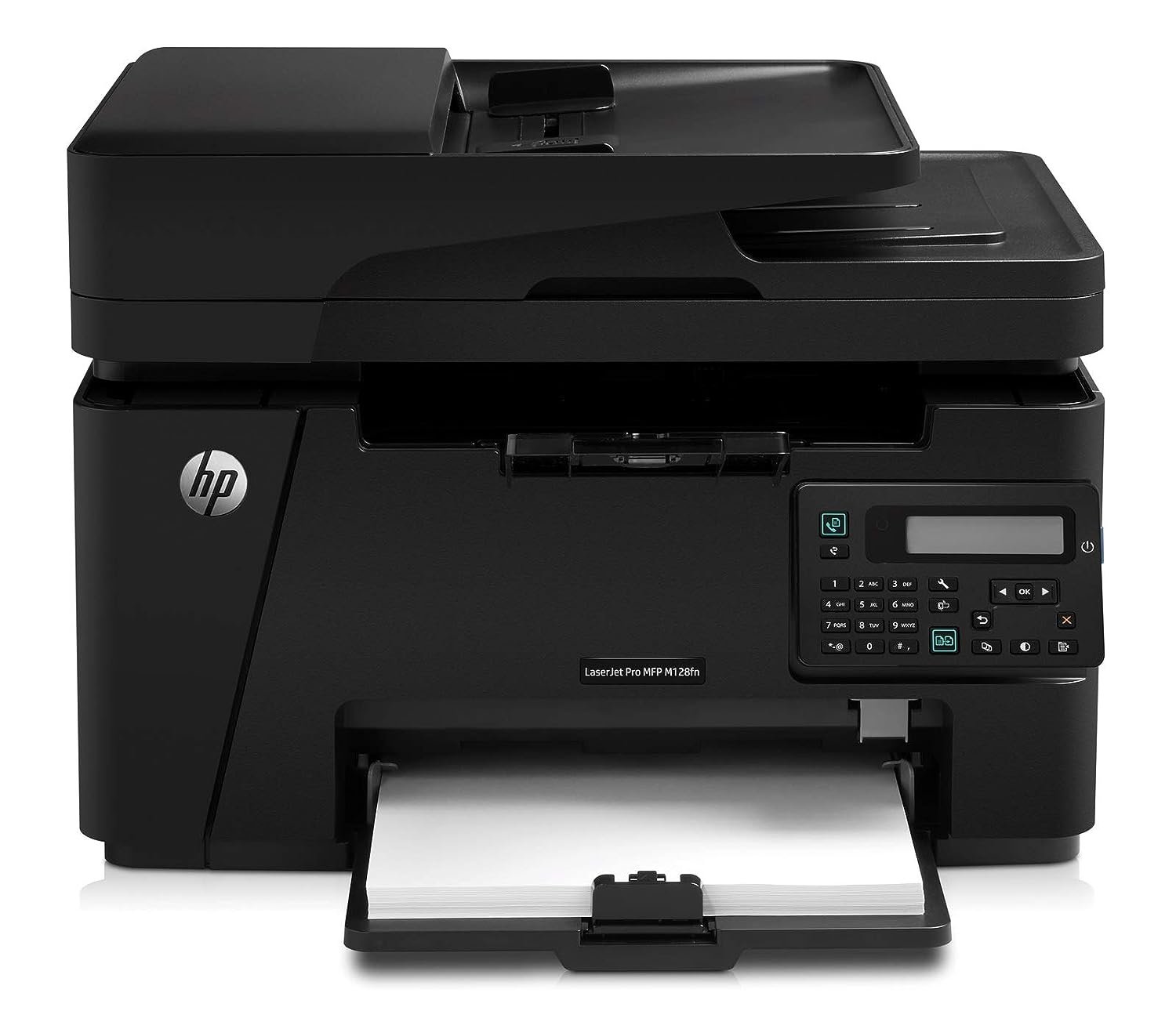
HP LaserJet Pro MFP M128fn
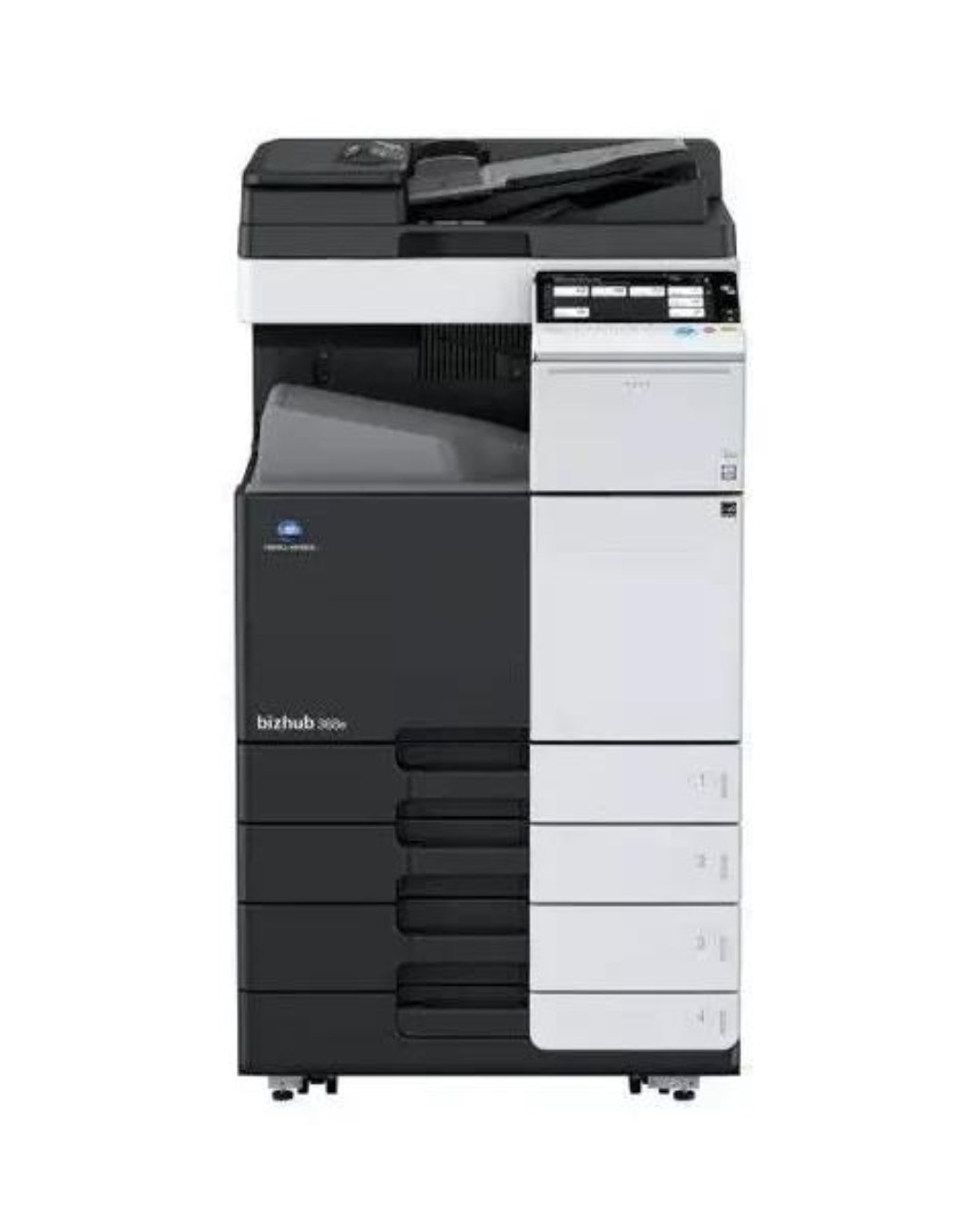
CONICA MINOLTA BIZHUB C454E-Colour Photocopier
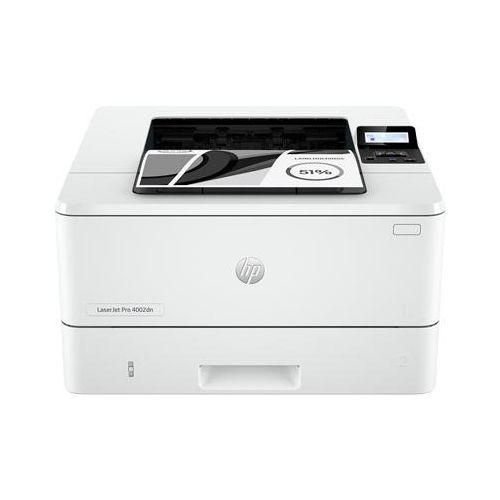
Hp LaserJet Pro 4003dn Printer - White

Many people enjoy using their laptops while relaxing on the bed. While it may feel comfortable, it can actually cause several problems for both your device and your health.
1. Poor Airflow and Overheating
Most laptops are designed to sit on hard, flat surfaces. When placed on a bed, blankets, pillows, and mattresses can block the air vents. This restricts airflow and causes the laptop to overheat. Excessive heat can reduce performance, shorten battery life, and damage internal components over time.
2. Reduced Device Lifespan
Heat is one of the biggest enemies of electronic devices. Constant overheating can wear out the processor, battery, and storage components faster than normal. Using your laptop on a desk helps maintain proper cooling and extends its lifespan.
3. Fire Safety Risks
Although rare, overheating devices placed on bedding can create safety hazards. Soft materials can trap heat around the laptop, increasing the risk of damage and, in extreme cases, creating a fire hazard.
4. Poor Posture and Health Issues
Using a computer on the bed often leads to awkward sitting or lying positions. This can cause neck pain, back pain, shoulder strain, and eye fatigue. A proper desk setup helps maintain better posture and reduces physical discomfort.
5. Dust and Fabric Build-Up
Beds collect dust, lint, and fabric fibers. Laptop cooling fans can pull these particles into the device, leading to clogged vents and reduced cooling efficiency. This can further contribute to overheating problems.
Better Alternatives
– Use your laptop on a desk or table.
– If you must work from the bed, use a laptop stand or cooling pad.
– Keep air vents clear and clean.
– Take regular breaks to reduce eye strain and improve posture.
Conclusion
While using a laptop on the bed may seem convenient, it can negatively affect your device’s performance, lifespan, and your own health. For better productivity, comfort, and safety, it is recommended to use your computer on a hard, flat surface whenever possible.


Samsung Galaxy A17

Samsung Galaxy A06 - 6.7


Samsung Galaxy A05s 6.7
Samsung Galaxy A05s 6.7

SAMSUNG A06

Samsung Galaxy A16 4G




Leave a Reply