
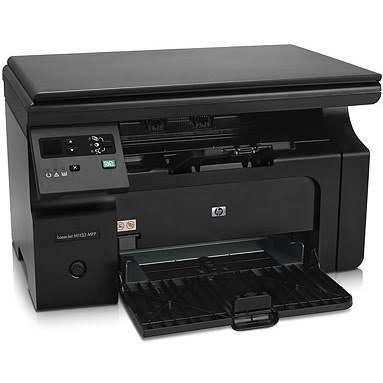
HP LaserJet Pro M1132 MFP Monochrome Laser Printer
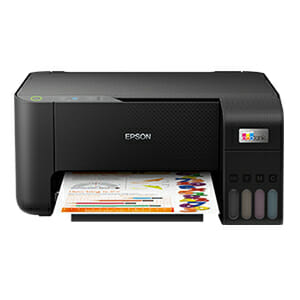
Epson EcoTank L3210
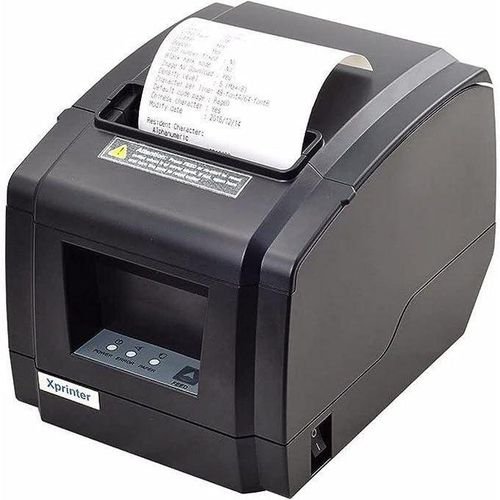
POS THERMAL PRINTER
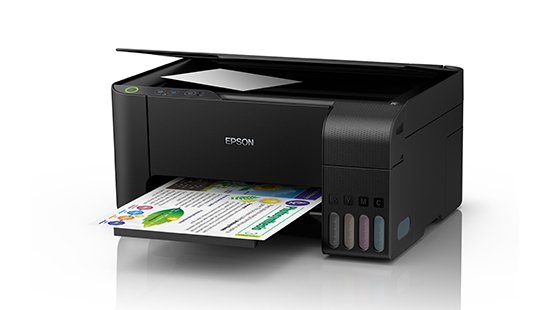
EPSON L3110 Printer- REFURBISHED
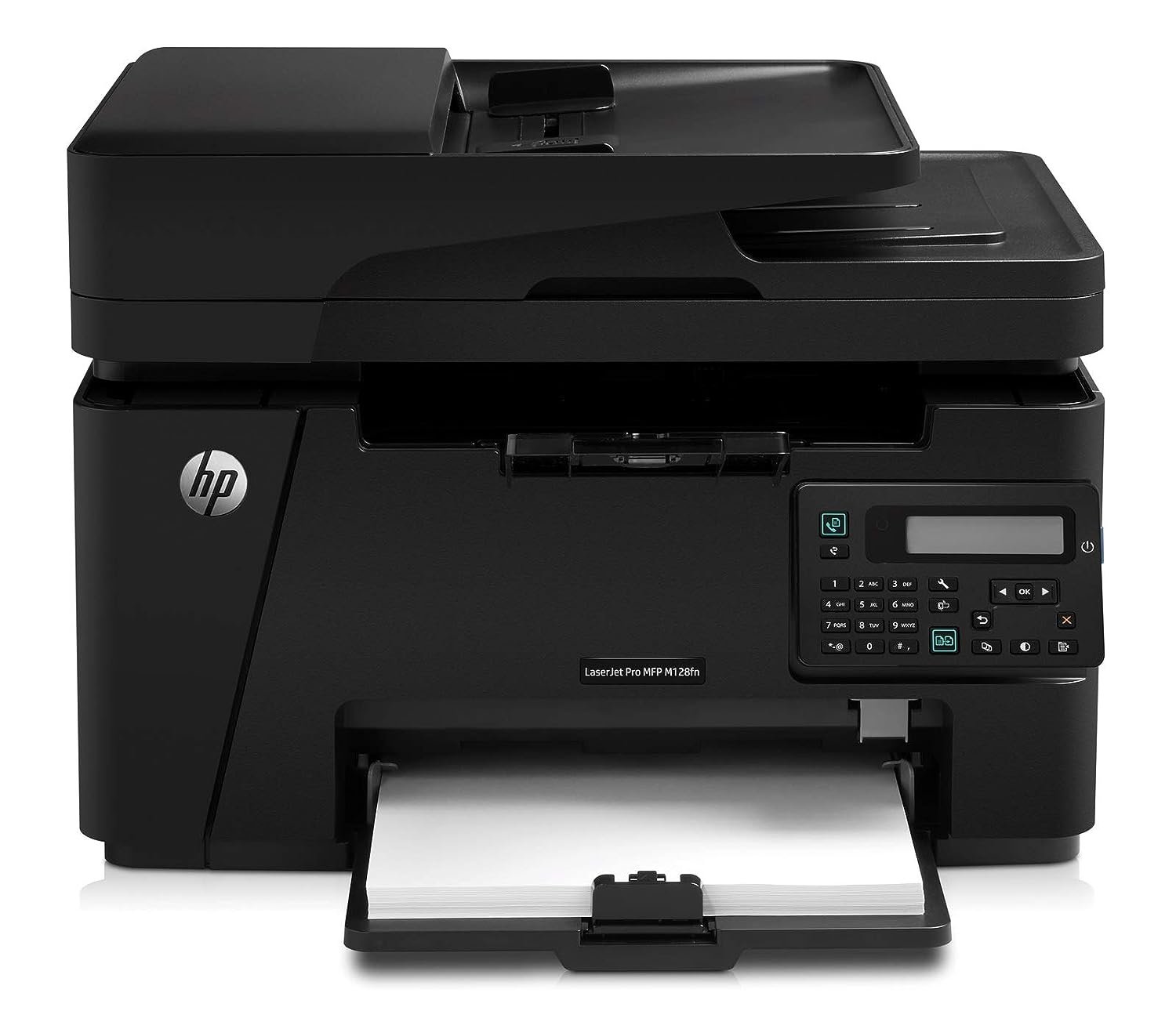
HP LaserJet Pro MFP M128fn
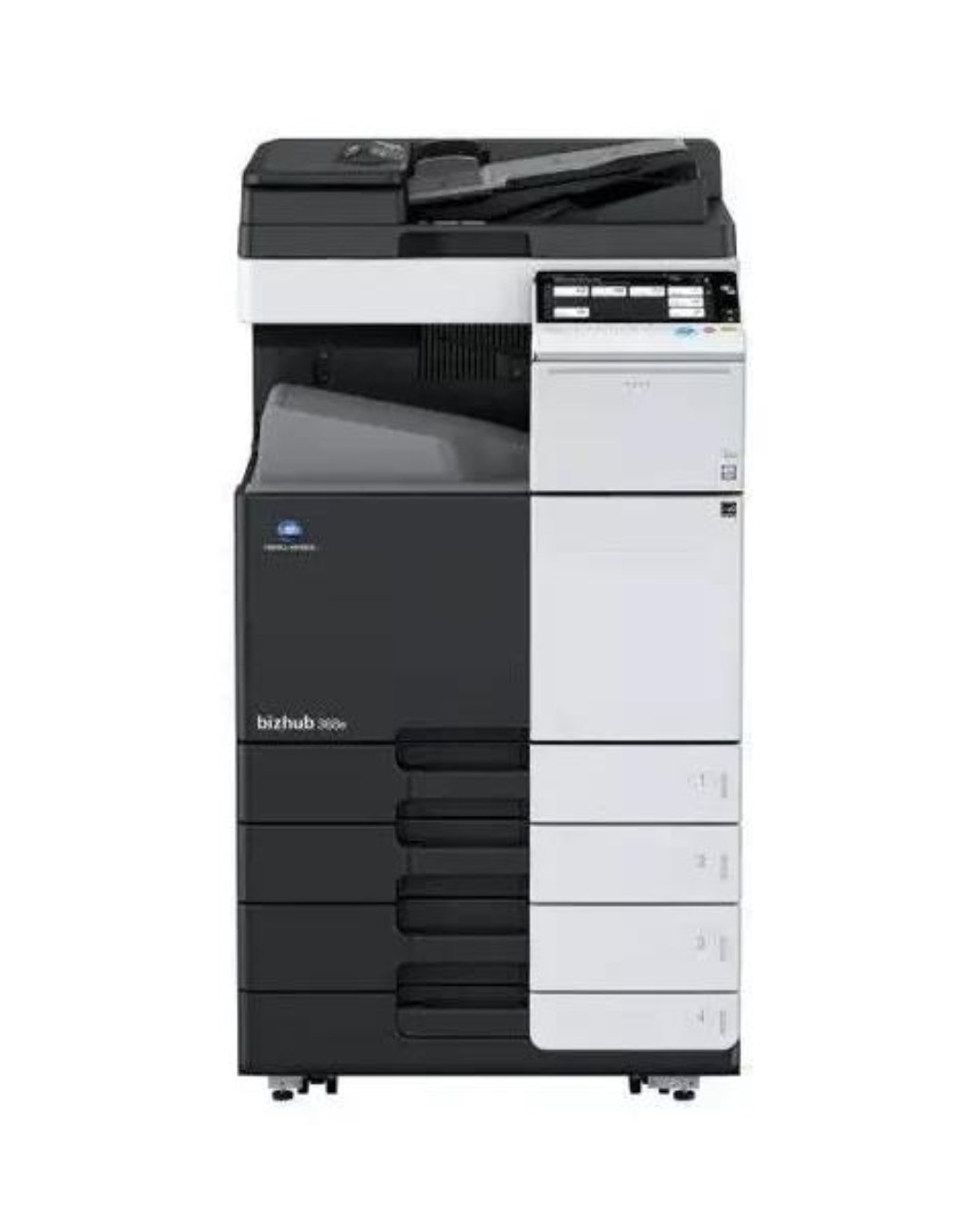
CONICA MINOLTA BIZHUB C454E-Colour Photocopier
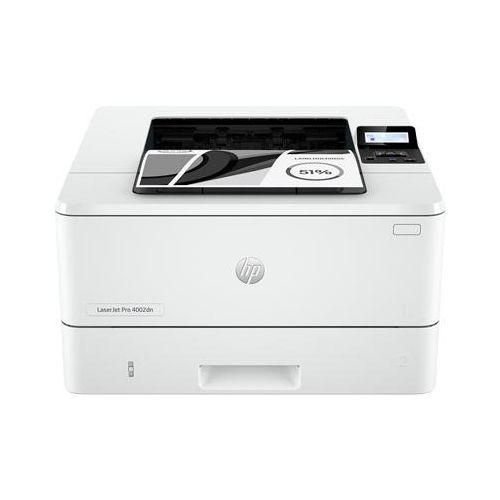
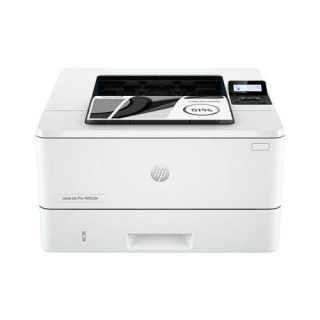
Hp LaserJet Pro 4003dn Printer - White
In today’s digital world, laptops have become essential tools for work, study, and entertainment. However, many users unknowingly reduce their battery life through poor usage habits. By following a few simple practices, you can extend both your daily battery runtime and the overall lifespan of your laptop battery.
One of the easiest ways to save battery power is by reducing your screen brightness. The display is one of the most power-hungry components of a laptop, so lowering the brightness to a comfortable level can significantly increase battery life. You should also enable Battery Saver Mode or Low Power Mode whenever your laptop is running on battery power, as these settings help reduce background activity and power consumption.
Another important habit is closing applications and programs that you are not actively using. Many applications continue running in the background, consuming battery power and system resources. Similarly, features such as Bluetooth, Wi-Fi, keyboard backlighting, and connected external devices should be turned off when they are not needed.
Heat is one of the biggest enemies of laptop batteries. Using your laptop on a bed, pillow, or any soft surface can block ventilation and cause overheating. To maintain optimal battery health, always use your laptop on a hard, flat surface that allows proper airflow. Avoid exposing your device to direct sunlight or high temperatures for extended periods.
To prolong battery lifespan, avoid keeping your laptop plugged in and charged at 100% all the time. Experts recommend maintaining the battery charge between 20% and 80% whenever possible. Likewise, avoid frequently allowing the battery to drain completely to 0%, as this can accelerate battery wear over time.
When you are not actively using your laptop, consider putting it into Sleep or Hibernate mode rather than leaving it running. This helps conserve battery power while allowing you to resume your work quickly. Keeping your operating system and device drivers updated is also important, as software updates often include improvements that optimize battery performance.
Finally, it is a good idea to periodically check your battery’s health and performance. Monitoring battery condition can help you identify potential issues before they become serious problems.
By adopting these simple habits, you can enjoy longer battery runtime, better performance, and a longer-lasting laptop battery, ultimately saving money on repairs and replacements.
—
Need Professional IT Support?
Cyber Dynamic Technologies (CDT) provides reliable IT solutions, computer sales, repairs, networking, software support, and technology consultancy services for businesses and individuals.
📞 0394 760459 / 0742 689706
📱 WhatsApp: 0779 743101
📧 info@cyberdynamictech.com
🌐 www.cyberdynamictech.com
Cyber Dynamic Technologies – Delivering Reliable Technology Solutions You Can Trust.


Samsung Galaxy A17

Samsung Galaxy A06 - 6.7


Samsung Galaxy A05s 6.7
Samsung Galaxy A05s 6.7

SAMSUNG A06

Samsung Galaxy A16 4G



Leave a Reply